Dashboard – Task Queues
The Task Queue dashboard provides a centralized view of all tasks assigned to users and their divisions. This feature helps users track their workload, prioritize assignments, and monitor task completion across the organization.
Overview
The Task Queue dashboard displays tasks in two main views:
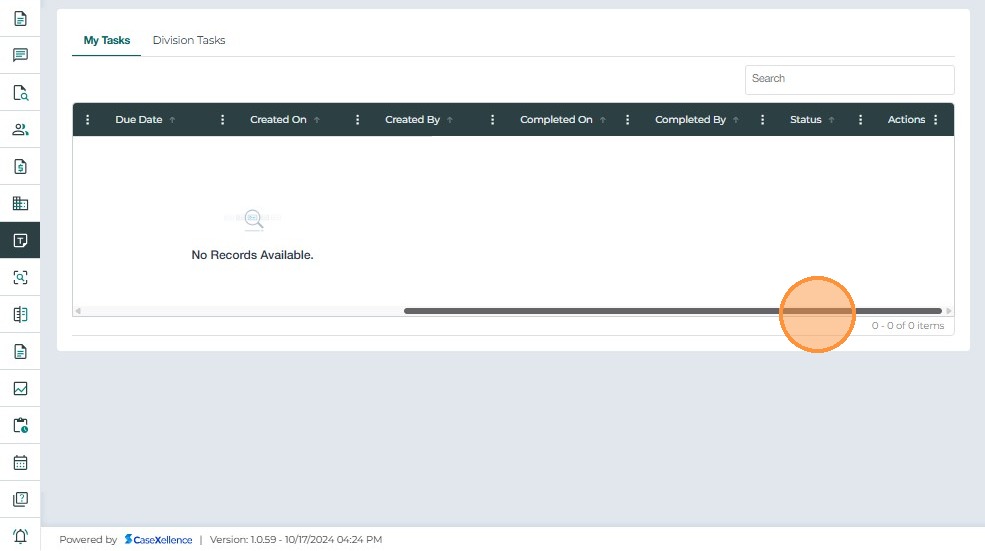
- Task Queue – Lists all tasks assigned to the logged-in user
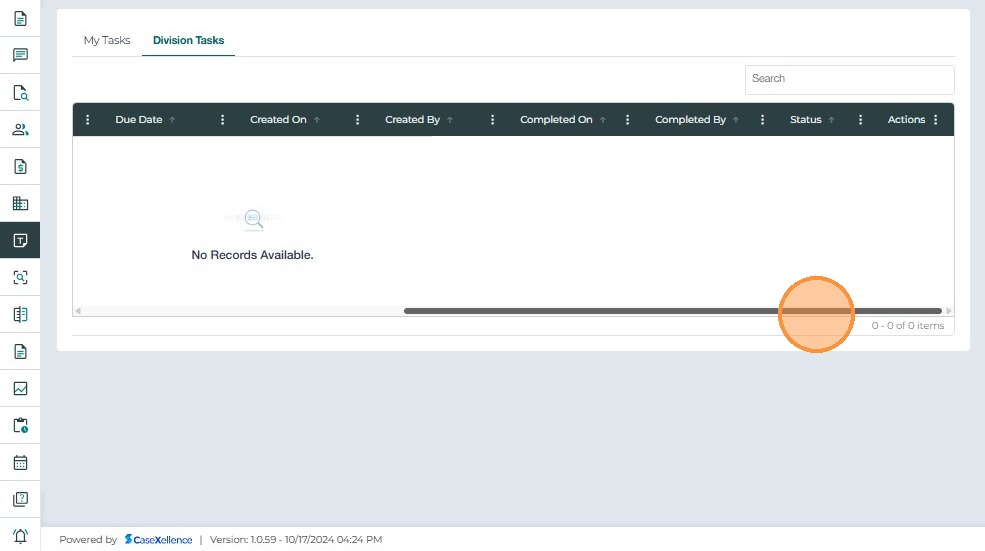
- Division Tasks – Lists all tasks assigned to users within your division
Task Queue
The Task Queue section displays all tasks assigned directly to the logged-in user. This view helps you manage your personal workload and track your task completion progress.
Accessing Task Queue
- Navigate to the Dashboard from the side menu
- Click on the Task Queues tab to view your assigned tasks
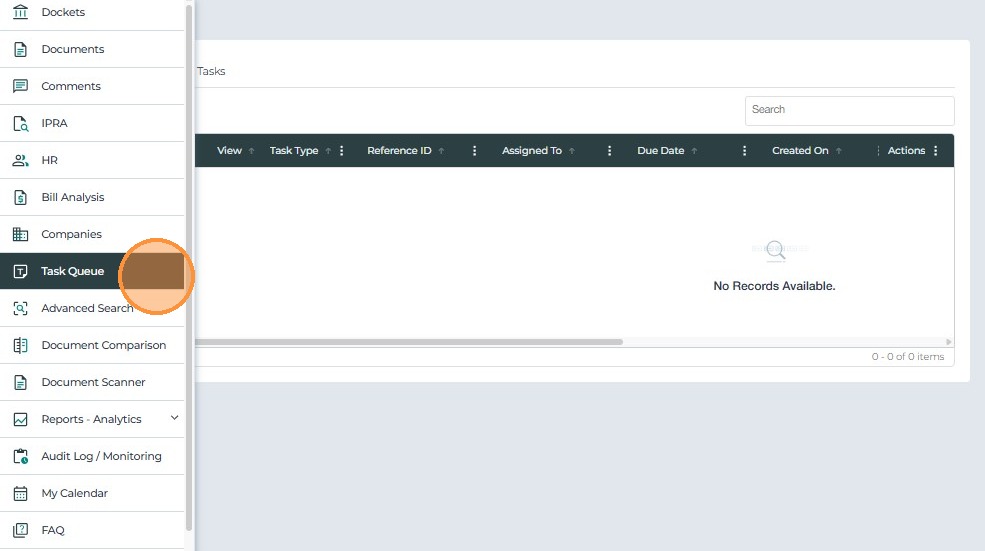
Viewing Your Tasks
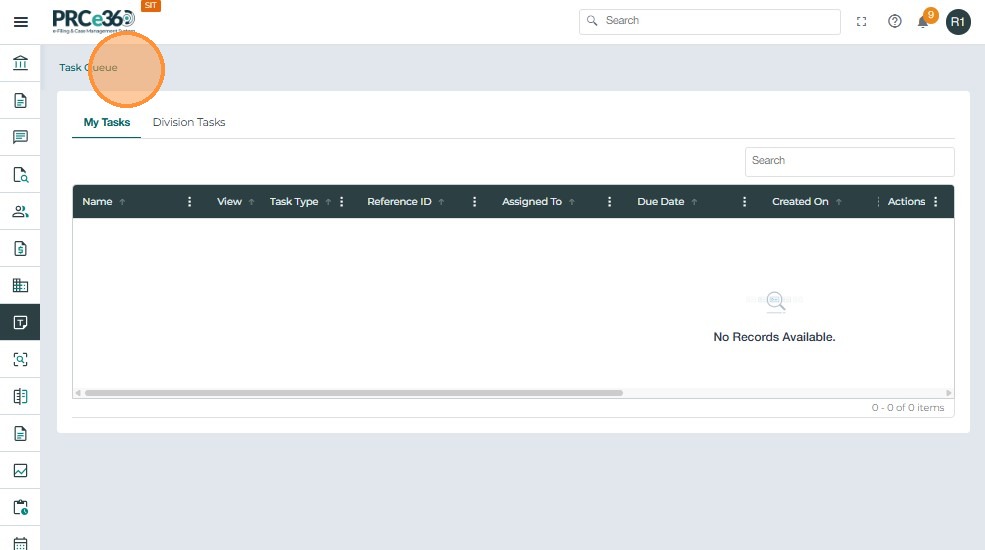
Your assigned tasks are displayed in a grid format, showing key information such as:
- Task title and description
- Associated case or document
- Due date and priority
- Task status (Pending, In Progress, Completed)
- Assigned date
Task Management Features
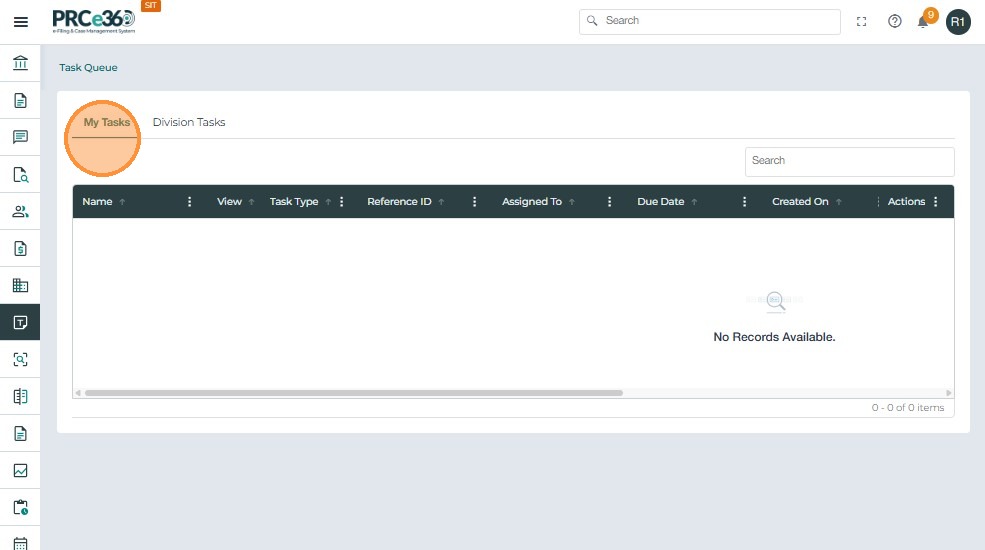
The Task Queue provides several features to help you manage your tasks:
- Filter and Search – Use filters to find specific tasks by status, priority, or date range
- Sort Tasks – Organize tasks by due date, priority, or assignment date
- View Details – Click on a task to view full details and take action
Division Tasks
The Division Tasks section displays all tasks assigned to users within your division. This view helps supervisors and managers monitor workload distribution and ensure tasks are completed on time.
Accessing Division Tasks
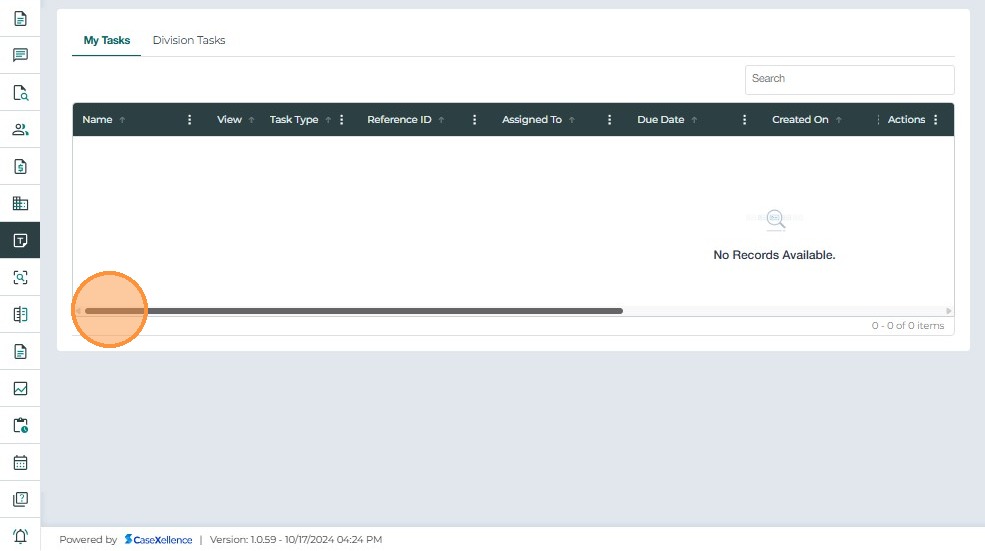
- From the Task Queue dashboard, navigate to the Division Tasks tab
- This view is typically available to supervisors and managers within each division

Viewing Division Tasks
The Division Tasks grid displays:
- All tasks assigned to division members
- Task assignee information
- Task status and progress
- Associated cases or documents
- Due dates and priorities

Division Task Management
Supervisors can use this view to:
- Monitor task completion across the division
- Identify overdue or at-risk tasks
- Reassign tasks if needed
- Track division workload and productivity
Related Guides
- Dashboard Overview
- Case 360 view – View tasks associated with specific cases